Turn LinkedIn Profiles Into Ready-to-Use Lead Reports in Seconds
Upload LinkedIn URLs. Get verified emails, AI-written summaries, and polished reports — instantly.







Tired of Copy-Pasting LinkedIn Data?
“Copy-pasting LinkedIn data wastes hours. Emails are often wrong. Reports are messy.”
-
✗Hours lost in manual copy-paste work
-
✗Incorrect or bounced email addresses
-
✗Disorganized, un-shareable reports
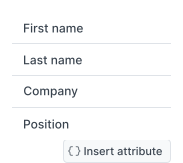
The Better Way
Verified Emails
Real-time email verification with 95%+ accuracy
AI Summaries
Smart AI-generated profile summaries in seconds
Instant Export
PDF/CSV ready-to-share reports in one click
Features
Everything you need to turn LinkedIn profiles into sales-ready leads
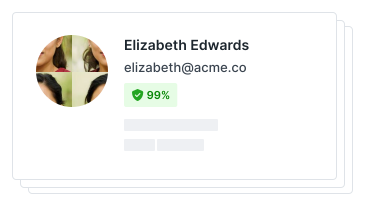
Verified Emails
Get real email addresses with 95%+ accuracy. Every contact is verified in real-time.
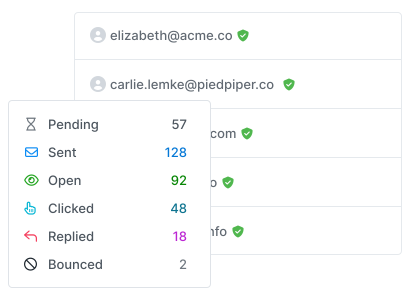
AI Profile Summaries
AI analyzes each profile to create concise, actionable summaries for your outreach.
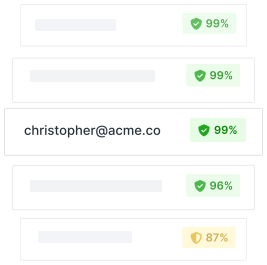
Export to PDF/CSV
One-click export to polished PDF reports or CSV files ready for your CRM.
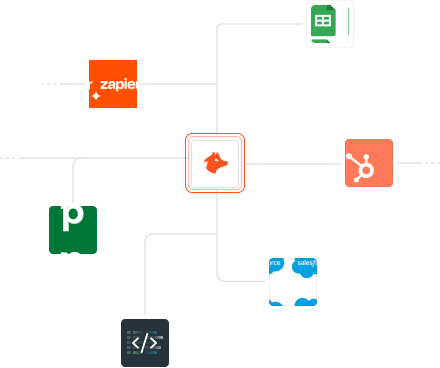
Built for Your Workflow
- ✓ CRM integrations with Salesforce, HubSpot, and more
- ✓ Zapier automation for 5000+ apps
- ✓ Google Sheets add-on for bulk processing
- ✓ API access for custom integrations
Enterprise Security
SOC 2 Type II compliant with enterprise-grade security features.

How It Works
From LinkedIn URL to ready-to-use lead report in 3 simple steps
Paste URLs
Paste individual LinkedIn URLs or bulk upload a CSV file with profile links.
AI Magic
LeadInked fetches profile data, verifies emails, and writes AI summaries instantly.
Export Results
Download clean PDF/CSV reports or send directly to your CRM with one click.
See It In Action
Watch how LeadInked transforms any LinkedIn profile into a client-ready lead report in under 30 seconds.
Try It Free
Demo
See exactly how LeadInked transforms LinkedIn profiles into client-ready reports
Sample PDF lead report generated in 30 seconds
30-Second Walkthrough
Copy Profile URL
Simply paste any LinkedIn profile URL into LeadInked
AI Processing
Watch as AI extracts data, verifies emails, and writes summaries
Export Report
Download or send to your CRM instantly
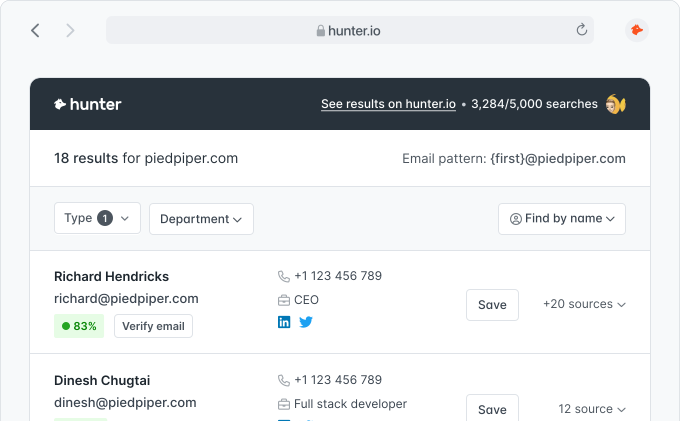
Chrome extension for seamless LinkedIn browsing
Ready to Try?
Get instant access and turn your first LinkedIn profile into a lead report in 30 seconds.
Start Free Trial →Pricing
Simple, credits-based pricing that scales with your needs
Starter
250 credits
- Perfect for individuals
- Basic AI summaries
- PDF/CSV export
- Email verification
Pro
1,000 credits
- Perfect for small teams
- Advanced AI summaries
- CRM integration
- Priority support
Scale
5,000 credits
- Perfect for agencies
- Custom AI prompts
- API access
- Dedicated support
Trusted by 6+ million users worldwide
Stop Copy-Pasting LinkedIn Data. Start Closing More Deals.
Join thousands of sales professionals who've transformed their prospecting with AI-powered lead intelligence.


Trusted by Industry Leaders
Backed by APIs trusted by millions worldwide
G2 Leader 2023
Recognized as industry leader in sales intelligence
Enterprise Ready
SOC 2 Type II & GDPR compliant for peace of mind
6M+ Users
Trusted by sales teams worldwide since 2015